Cookie theft: How fraudsters gain access to your digital accounts
Fraudsters are increasingly using 'session cookies' to hijack active user accounts, including banking and personal profiles. This guide highlights the risks of session hijacking and emphasizes the importance of maintaining strong digital security practices.
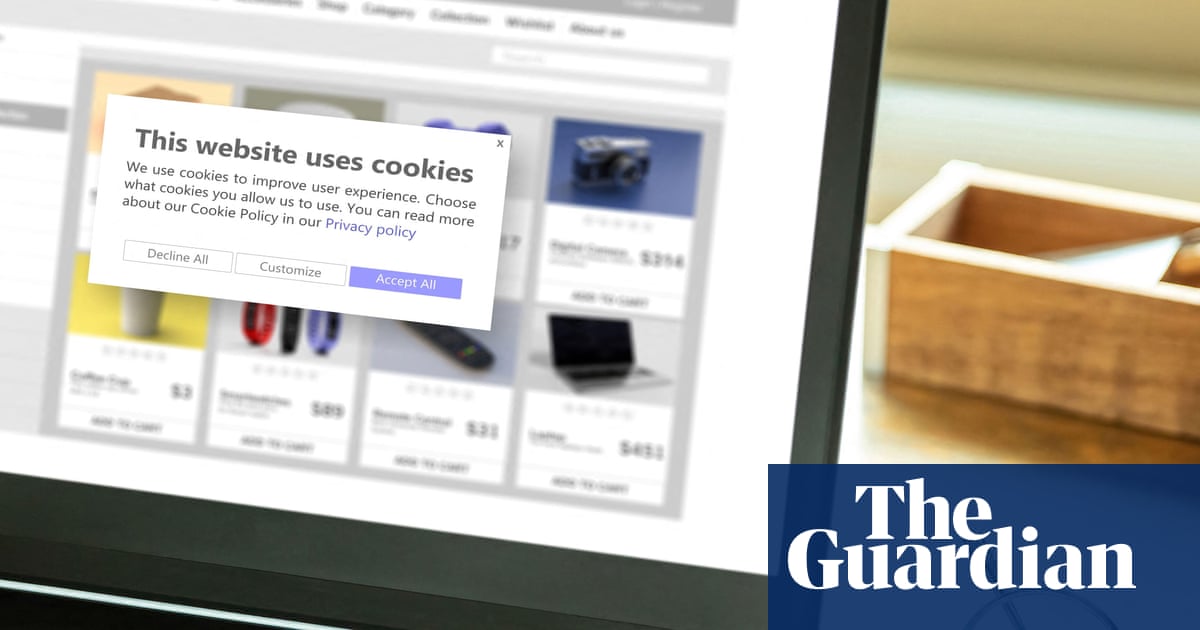
One of the most significant digital threats facing internet users today is cookie theft, a method categorized as session hijacking. According to cyber security firm NordVPN, approximately 52 billion cookies were identified in stolen data circulating online in the year leading up to June. These session cookies serve as digital keys that allow users to navigate websites without needing to repeatedly enter login credentials. However, if malicious software infects a device, hackers can steal these active cookies, granting them the ability to bypass passwords and even multi-factor authentication systems to impersonate the user.
For residents in the UK, including the Turkish-speaking community, this poses a substantial risk to personal finance and online security. Once a hacker gains access to an active session, they can manipulate bank accounts, redirect online shopping orders, or use email and social media accounts to conduct further scams. Because this theft happens silently via malware, victims often remain unaware of the breach until they notice unauthorized activity or suspicious account changes. This creates a dangerous environment where the user believes they are safely logged in while a criminal is effectively controlling their session.
To safeguard personal information, users must adopt stricter digital hygiene. Simply closing a browser tab does not terminate a session; it is essential to manually log out of all accounts to invalidate the cookie. Warning signs of infection include a device struggling with routine tasks, rapid battery drainage, or unexpected browser behavior like frequent pop-ups. It is advisable to move passwords out of browsers and into dedicated password management tools, clear browser cookies regularly, and avoid using unsecured public Wi-Fi for sensitive activities. If a breach is suspected, individuals should perform an antivirus scan, log out from all devices, and reset their passwords immediately to restore account security.
This summary was prepared with AI assistance. Please verify accuracy via the source.
Source: The Guardian Money
Don't miss the next story
Get an email when new articles are published. Free, and you can unsubscribe at any time.
Share
Comments
Please log in to leave a comment.
Loading comments...